Web Summary/Conversation Feature
You can directly converse with and summarize the content of the current webpage through the conversation panel. Click the plugin icon to display it.
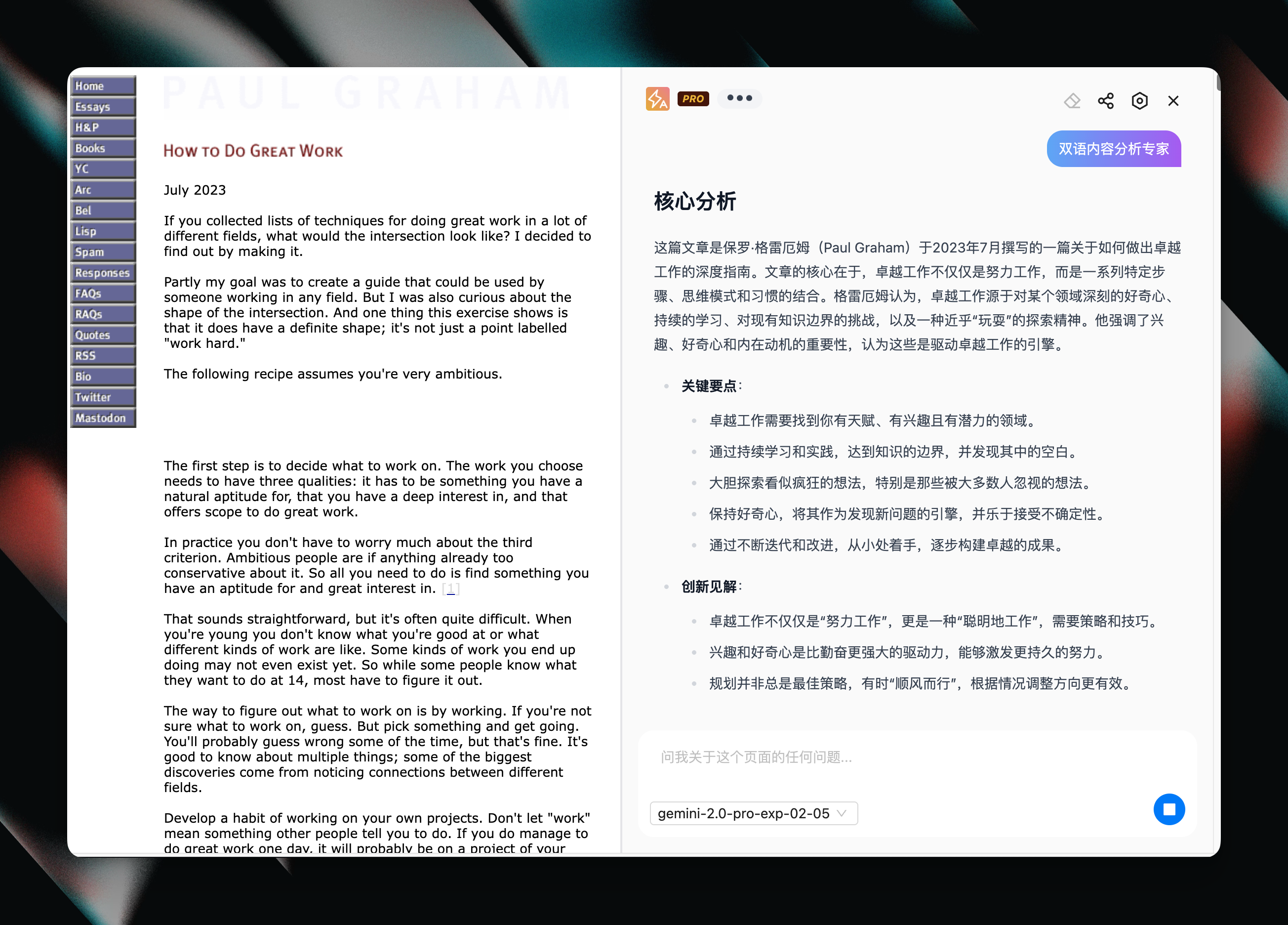
Keyboard Shortcuts
Use the default shortcut ⌘ + J (on Windows, Ctrl + J) to quickly open the conversation panel.
Summary Assistant
If you need to customize prompts to personalize summaries, you can create different conversation assistants in the plugin settings page.
Using Variables in Prompts
You need to use variables in your prompts to get page content. Available variables include:
{{ content }}The main content of the current page
For example:
System prompt:
你是一个双语内容分析专家User prompt:
分析这篇文章的内容:

{{content}}