Using SumBuddy with DeepSeek
DeepSeek is affordable and works smoothly in mainland China. By using SumBuddy with DeepSeek, you can get a powerful AI browser assistant at a very low cost.
Process
Step 1
Log in to the DeepSeek Platform
Step 2
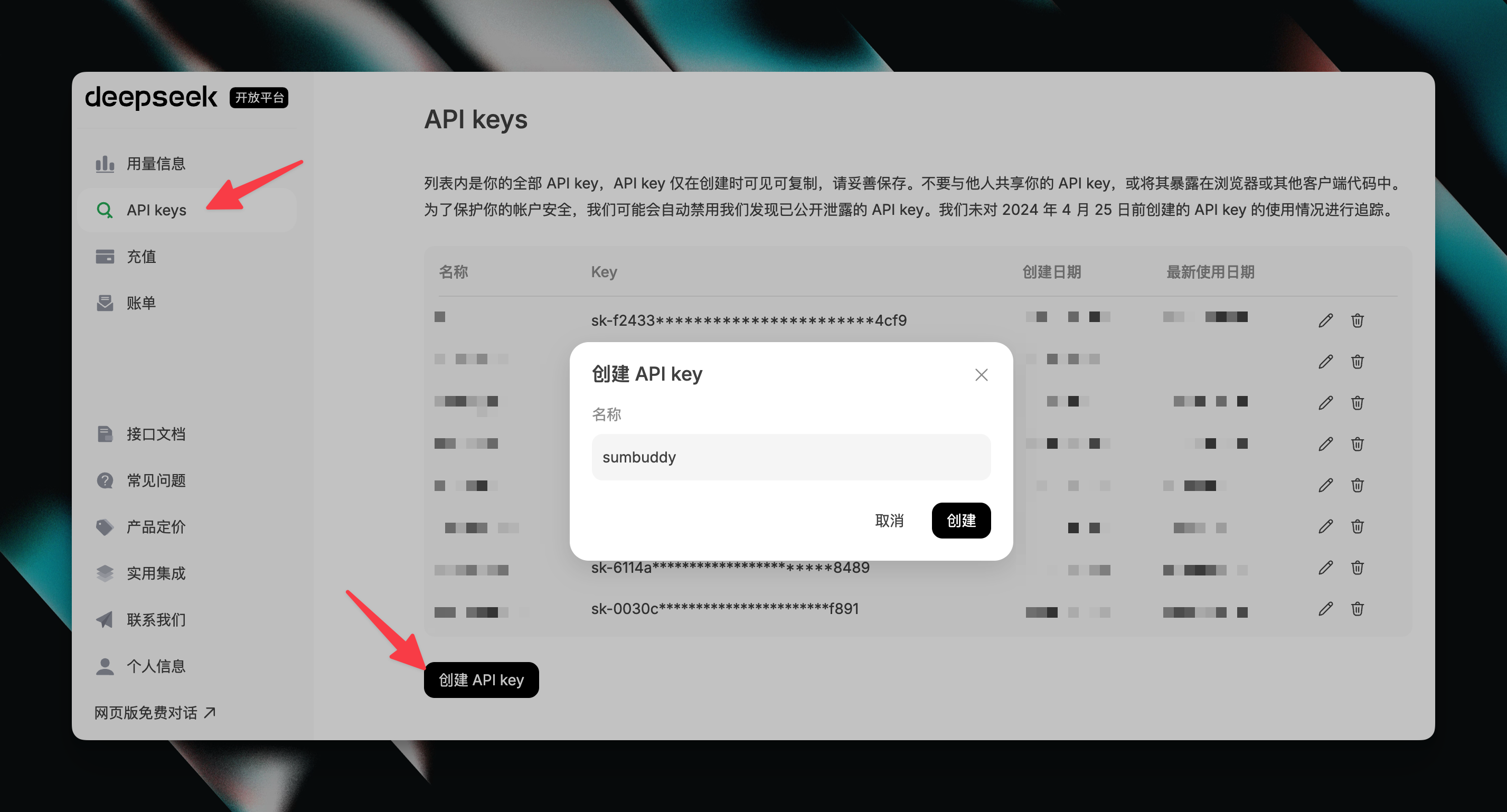
On the API keys page, click "Create API key", you can enter "sumbuddy" as the name.
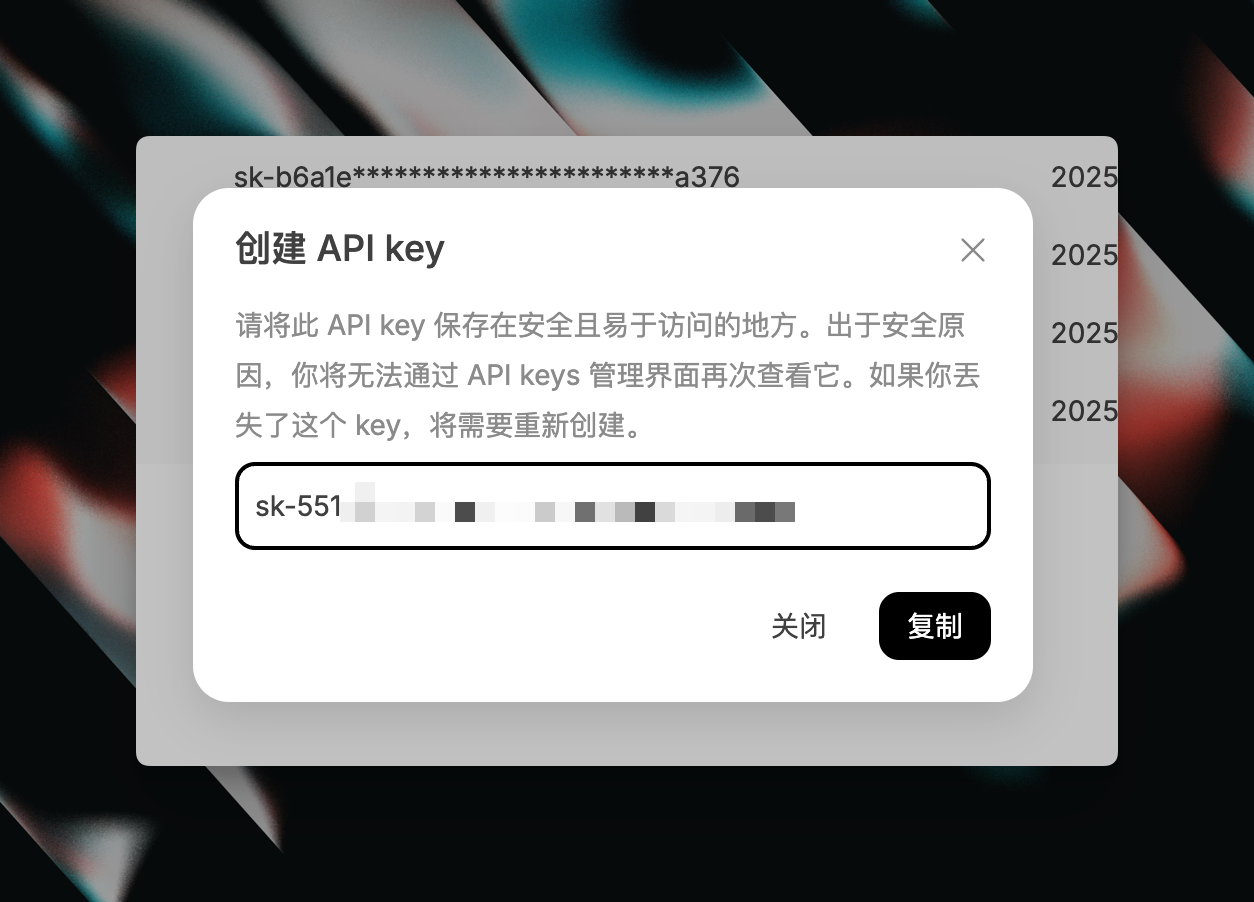
You will get an API key starting with sk-. This API key will be used in SumBuddy's settings.
Step 3
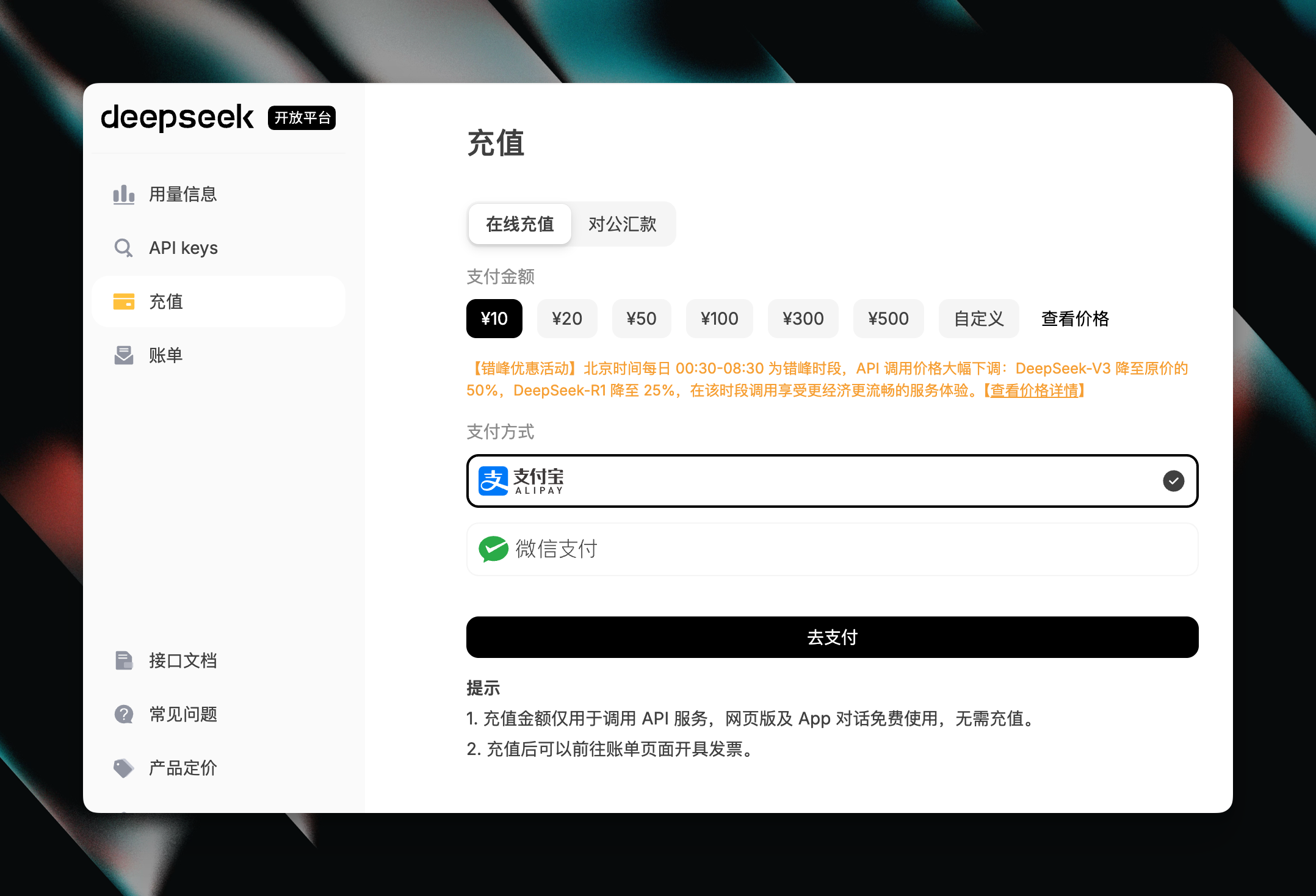
On the "Recharge" page, adding 10 RMB is enough to use SumBuddy for conversation summaries for a long time.
Step 4
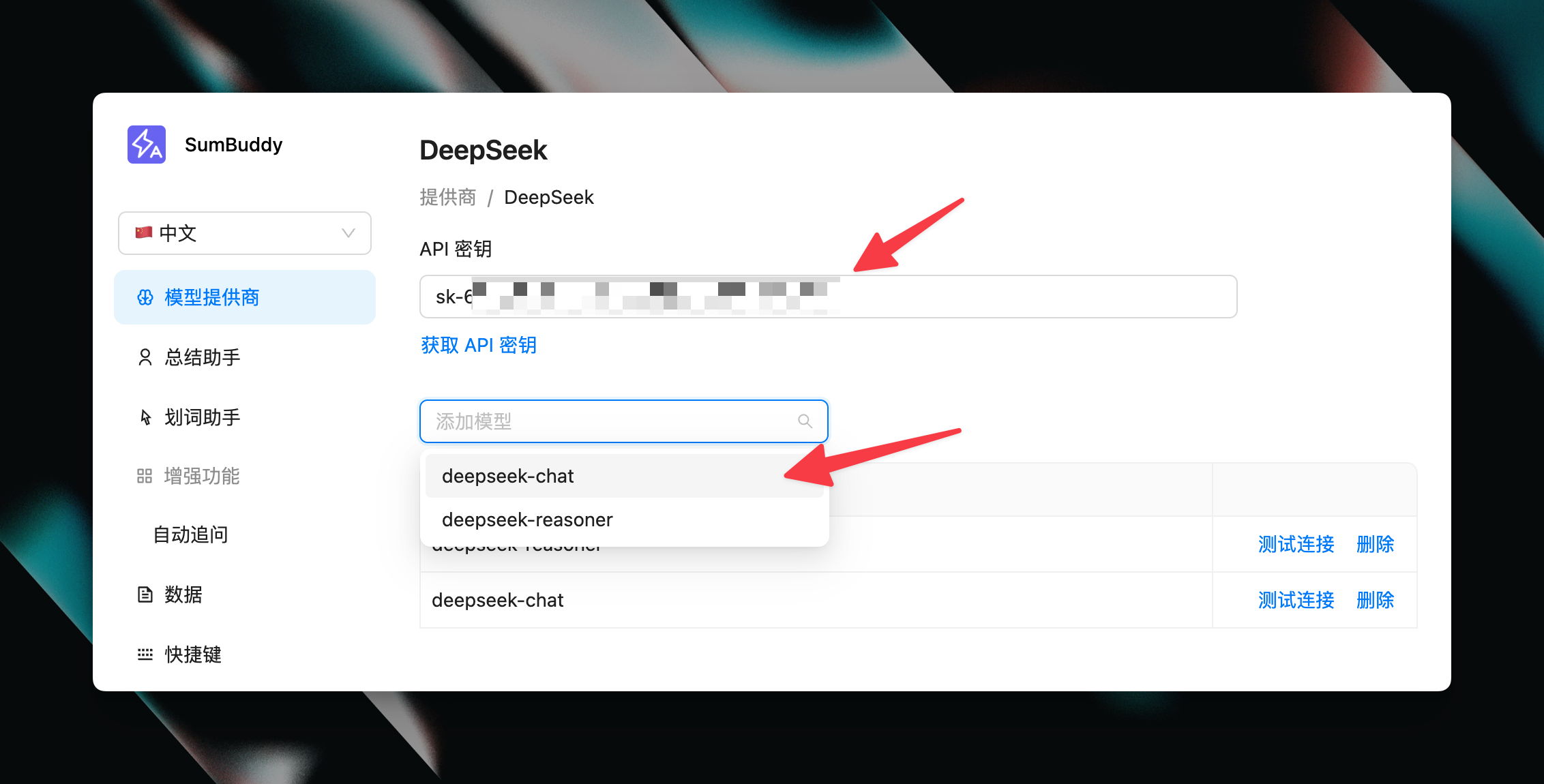
Enter the sk- API key you received into the SumBuddy settings page.